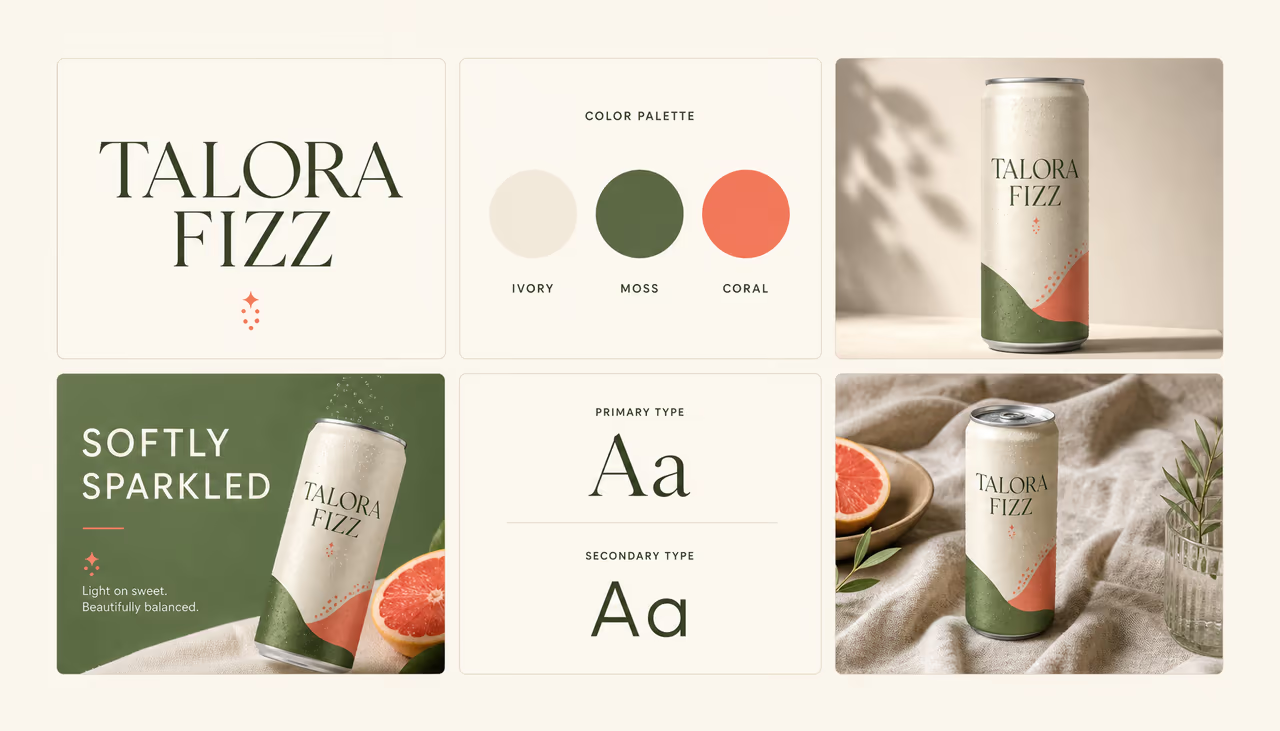
The creative layer for your product
Give your product
a creative layer.
Embed on-brand image, video, voice, and text generation inside the product your users already know. One native workflow, not four disconnected AI tools.
✦ ImageLayer Ready
Create a launch campaign for our new botanical sparkling water.
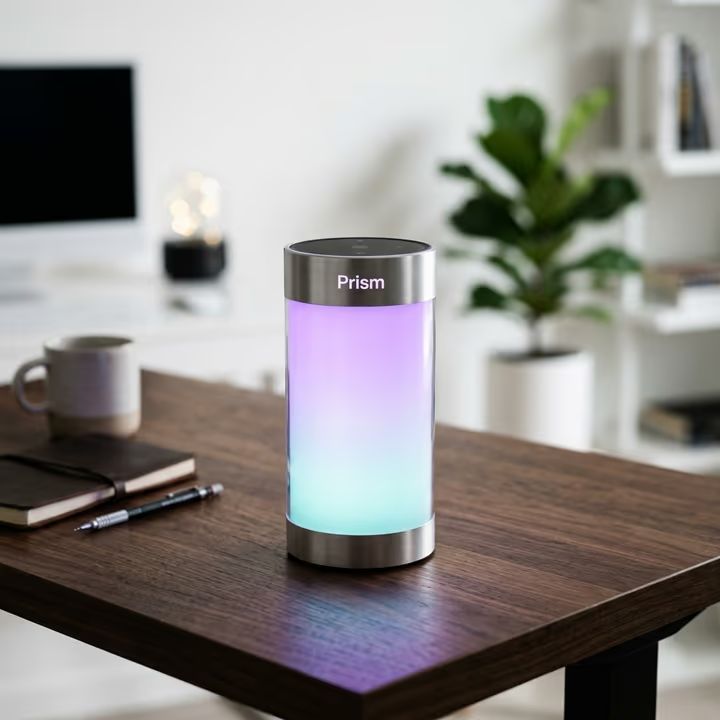
Built for product teamsBrand controls includedNo framework lock-inProduction API
02 — Native by design
Not another tab.
A new capability.
External AI tools break context, brand, and momentum. ImageLayer lives inside your product, inherits your guardrails, and feels like it was always part of the workflow.
Campaign / Spring launch
Saved just nowBuild the launch story
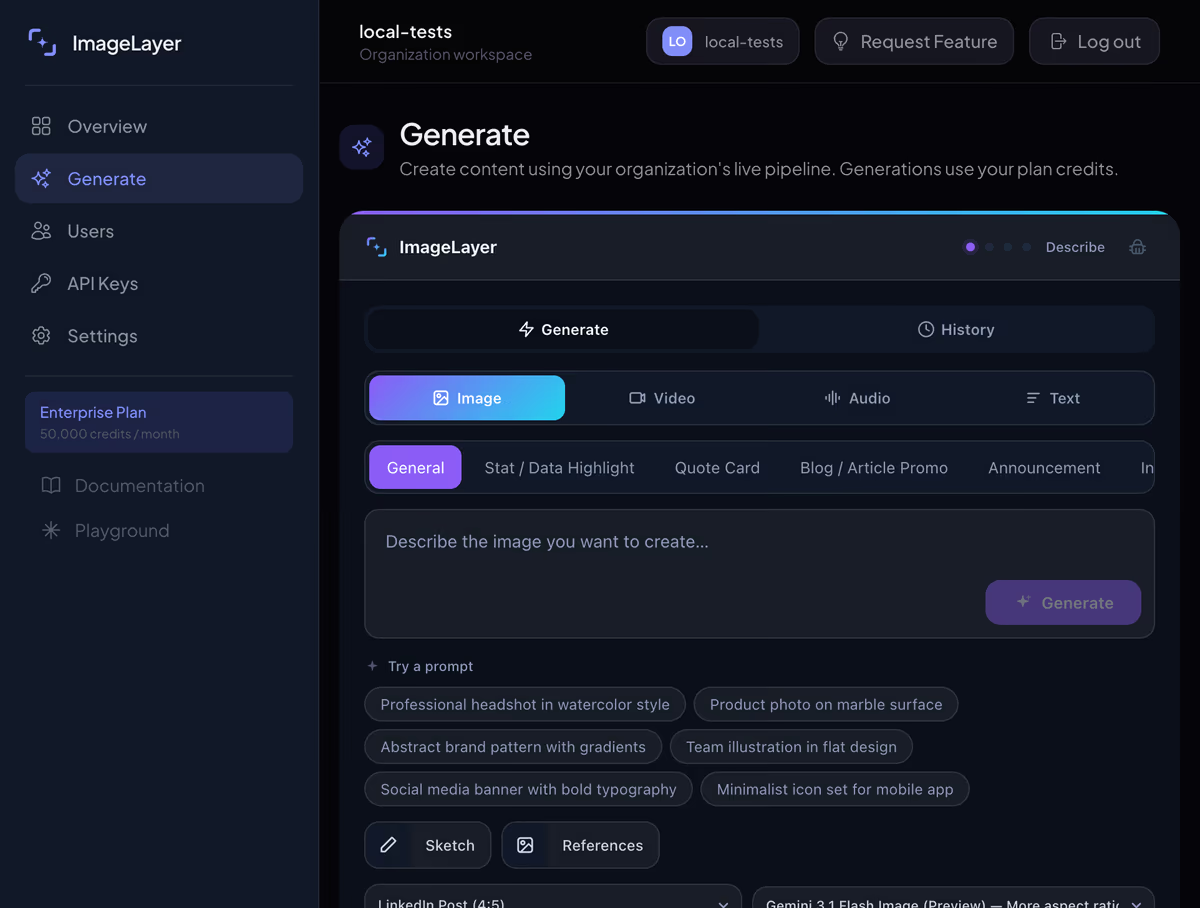
Your users stay in flow.
Your brand stays intact.
- 4
- media modes
- 1
- native workflow
- 0
- ML infrastructure
03 — One intent, many forms
Make a whole campaign.
Not just an asset.
Image, video, voice, and text share the same context and brand rules. Each output feels different; the campaign still feels like one idea.
ImageVideoVoiceText
01
Image
A complete brand world
Campaign systems, social assets, product visuals, and templates that follow the same visual language.
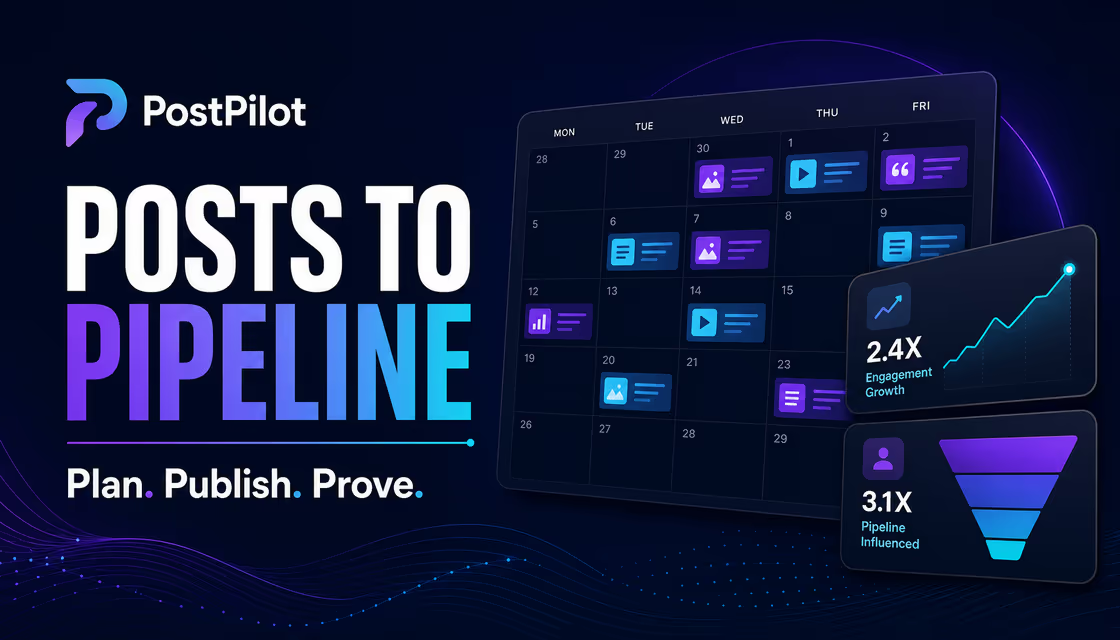
02
Campaign
From plan to pipeline
Turn a product story into channel-ready launch creative without leaving your workflow.

03
Commerce
Creative that moves product
Generate bold catalog and campaign visuals around the brand rules already in your product.
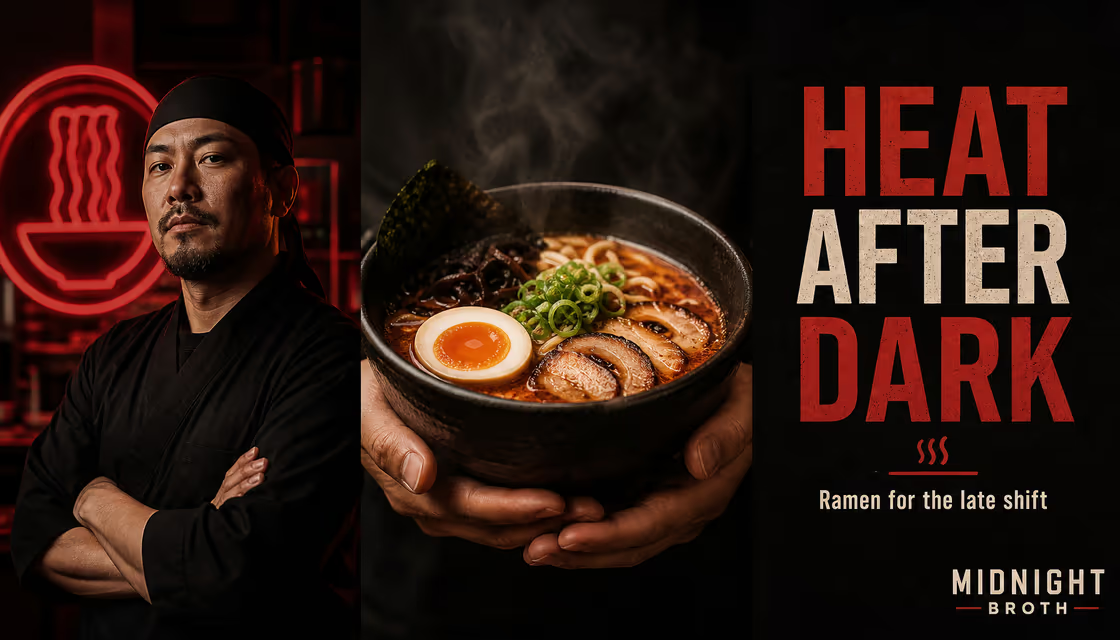
04
Brand voice
One tone across every medium
Pair visual generation with copy, natural voiceovers, and multi-speaker audio in the same interface.
✦ Every example above was created with ImageLayer.
Explore product use casesLive — Product, not prototype
Don’t imagine it.
Try the layer.
Switch between image, video, audio, and text. Inspect sample history and the same interface your users can create with inside your product.
Interactive demo · no account neededWant to run the real pipeline? Sign in to the playground.Open the playground
04 — Infrastructure, compressed
The fastest AI stack is
the one you don’t build.
<image-layer id="creative-layer"
  theme="auto" />
<script>
  const layer = document.querySelector('#creative-layer')
  layer.apiKey = 'il_pub_...'
  layer.sessionToken = sessionToken
</script>- 01
Define the brand
Set visual direction, colors, voice, content types, and the generation modes your users can access.
- 02
Place one element
The native Web Component drops into React, Vue, Next.js, Svelte, Angular, Astro, or plain HTML.
- 03
Let users create
ImageLayer handles models, jobs, delivery, usage, and guardrails while your product owns the experience.
- Read the documentation Open playground
ReactVueNext.jsAngularSvelteAstroPlain HTML
05 — Simple by default
Start with a layer.
Grow into a platform.
No credit card required. Start with image workflows, then expand into video, voice, and text as your product grows.
Free
Try the widget in your product before wiring up paid workflows.
$0
≈ 5–10 images
Start Building Free- 50 credits / month
- Up to 1 end user
- 72-hour temporary history
- Image generation
- Email support
Starter
For teams adding image, video, voice, and text workflows without building AI infrastructure.
$59/mo
≈ 100–180 images or 69–128 short videos
Get Starter- 900 credits / month
- Up to 20 end users
- 10GB archive storage (30-day archive)
- Image generation
- Sketch inputs & Reference inputs
- Video generation (720p)
- AI voiceovers
- AI text generation
- Email support
Pro
For growing teams that need richer media workflows, brand control, and usage visibility.
$199/mo
≈ 333–600 images or 230–428 short videos
Get Pro- 3,000 credits / month
- Up to 50 end users
- 100GB archive storage (12-month archive)
- Image generation
- Sketch inputs & Reference inputs
- Video generation (1080p)
- AI voiceovers
- Podcast snippets
- AI text generation
- Brand guidelines
- Usage analytics
- Priority support
Enterprise
For organizations that need scale, rollout support, and custom workflow control.
Custom
Talk to Sales- Custom credit allocation
- Custom user limits
- 1,024GB archive storage (Custom archive)
- Image generation
- Sketch inputs & Reference inputs
- Video generation (1080p)
- AI voiceovers
- Podcast snippets
- AI text generation
- Brand guidelines
- Usage analytics
- Custom integrations
- Dedicated onboarding
Credit costs by generation type
One plan, multiple AI workflows. Here's how credits translate to generations.
| Type | Credits | On Starter (900) | On Pro (3,000) |
|---|---|---|---|
| Image (standard, by resolution) | 5–10 | 90–180 | 300–600 |
| Image (pro quality) | 9–15 | 60–100 | 200–333 |
| Short video (4s, 720p) | 7–60 | 15–128 | 50–428 |
| Long video (8s, 720p) | 11–90 | 10–81 | 33–272 |
| Voiceover (per minute) | 1–3 | 300–900 | 1,000–3,000 |
| Text generation | 1–4 | 225–900 | 750–3,000 |
Credit cost depends on model, duration, and resolution. Most image workflows use 5 credits per generation; 1080p video adds 25% and requires Pro.
06 — Security & trust
The invisible layer
matters just as much.
Your data, your clients, your reputation. Built for products that can't afford a security incident.
Encrypted in transit
Connections use HTTPS/TLS. API keys are SHA-256 hashed and passwords are stored as bcrypt hashes.
Email-verified accounts
Organizations must verify their email before creating API keys or using live API flows.
Rate-limited & monitored
Built-in rate limiting with fail-closed behavior. Every auth event is logged for security analysis.
Short-lived generated media
Temporary generated media is cleaned up on a rolling TTL. Our current target is roughly 72 hours for generated assets.
IDOR protection
API requests are scoped to the authenticated organization, with signed-access patterns and tenant checks on stored assets.
Bot & abuse prevention
Cloudflare Turnstile on registration. Disposable emails are blocked. IP-based daily limits prevent mass sign-ups.
Want to learn more about our security practices?Read our security page
07 — Clear before you commit
Questions,
answered.
If your question isn't here, reach out — we respond within a business day.
How does ImageLayer enforce my brand?
Two layers of control. First, you set AI brand guidelines — style description, color palette, tone keywords, and elements to avoid. Those instructions shape supported workflows so generated visuals and copy stay aligned with your brand. Second, image outputs can add logo and layout overlays in the branding editor after generation. Your users can't bypass either layer.
What AI models power ImageLayer?
ImageLayer runs production generations on Google and OpenAI models: Gemini image and text models, Veo 3.1 Lite/Fast/Quality and OpenAI Sora 2 for video, Gemini TTS and OpenAI TTS for voice, plus GPT Image 2 and GPT-5.4 mini for premium image and text workflows. We also use Gemma 4 on Cloudflare Workers AI for moderation and prompt enrichment. You can try a limited public preview without signing in, then switch the playground to your live workspace after authentication.
What can ImageLayer generate?
Images, video, voiceovers, podcast-style audio, and text. Plan controls decide which modes are available to your users. Most teams start with image workflows, then unlock video, voice, and text as they expand the experience.
What are content type templates?
Pre-built forms for common creative outputs — stat highlights, quote cards, blog promos, announcements, and infographics. Instead of writing a prompt from scratch, users pick a template, fill in a few fields, and generate. Depending on your plan, you can create up to 3, 10, or 100 custom templates for your specific use cases.
Does ImageLayer support social media image sizes?
Yes. Built-in platform presets cover LinkedIn (post, carousel, banner), Instagram (post, story), X/Twitter, Facebook (post, story), Google Business, WhatsApp Status, Telegram Post, Pinterest Pin, TikTok Cover, YouTube Thumbnail, blog headers, email banners, and custom dimensions. Each preset sets the correct dimensions and optimizes the composition for that platform. Choose Custom if you need a different aspect ratio.
How hard is the integration?
Add one <image-layer> HTML tag — that's the entire integration. It's a native Web Component, so it works with any framework: React, Vue, Angular, Svelte, Next.js, or plain HTML. The same widget can expose image, video, voice, and text workflows. Most teams go from sign-up to live widget in under 15 minutes.
Does it work with my tech stack?
Yes. The widget is a native Web Component — the same standard browsers support natively. It works out of the box with React, Vue, Next.js, Nuxt, Angular, Svelte, SvelteKit, Astro, Remix, and any other framework. It also drops into WordPress, Webflow, and other no-code tools. No npm package required — you can load it from our CDN with a single script tag.
Can I control what my users generate?
Yes. You can control brand rules, content templates, enabled modes, and other dashboard settings for each workspace. Your dashboard also shows who created what, when, and how many credits were used.
What happens if I hit my credit limit?
You'll get a notification before you run out. Buy a credit pack for an instant top-up — purchased packs never expire — or upgrade your plan (existing subscriptions change plans through the billing portal). Enterprise customers get volume pricing, custom credit pools, and SLAs.
What video models does ImageLayer use?
We use Google Veo 3.1 (Lite, Fast, and Quality tiers) plus OpenAI Sora 2 for premium clips. Veo produces 720p or 1080p (1080p on Pro and above) videos up to 8 seconds long; Sora 2 produces 720p clips of 4 or 8 seconds. Lite starts at 7 credits, Fast typically costs 13-25 credits depending on duration and resolution, and the Quality and Sora 2 tiers cost more.
How does the text-to-speech work?
ImageLayer offers 14 distinct AI voices — 8 powered by Google Gemini TTS and 6 by OpenAI TTS — from firm and professional to warm and conversational. Choose between Gemini Flash Lite (lowest-cost single-speaker), Flash (faster general-purpose), Pro (richer intonation), and OpenAI TTS / TTS HD models. Output is MP3 or WAV format.
Can I generate podcast-style content with multiple speakers?
Yes. Pro plan users can generate two-host discussion segments and interview-format audio with multi-speaker TTS models like Gemini 2.5 Flash TTS and Gemini 2.5 Pro TTS. The system automatically pairs complementary voices for natural-sounding conversations. Write your script in conversational style and the TTS handles speaker alternation.
Is my data secure?
Connections use HTTPS/TLS. API keys are SHA-256 hashed and never stored in plaintext, passwords are stored as bcrypt hashes, and temporary generated media is cleaned up on a rolling TTL. We require email verification before live API use, apply rate limits and tenant scoping, and do not use your prompts or generated assets to train our own models. See our Security page for full details.
✦ Your creative layer is ready
The feature is built.
Make it yours.
Give your users image, video, voice, and text generation without giving your roadmap to AI infrastructure.