GPT Image 2 for Logistics Social Content: A ParcelWing Example
A practical logistics-brand workflow showing how a DHL-like company can use GPT Image 2 for social illustrations, returns explainers, and repeatable campaign assets.
Logistics brands have a very specific content problem.
They need to make operational topics feel simple: delivery reliability, returns, tracking, pickup windows, route optimization, customer updates. The visuals cannot look like generic stock photos of a delivery van, but they also cannot drift into childish clipart.
To make the workflow concrete, we used a fictional parcel company called ParcelWing. It is intentionally close to the category language a DHL-style brand would care about: yellow field, deep red routing accents, vans, parcel boxes, maps, pins, and clean operational messaging. It is not a real brand, and the prompts explicitly avoid real DHL logos.
Example 1: Campaign Illustration
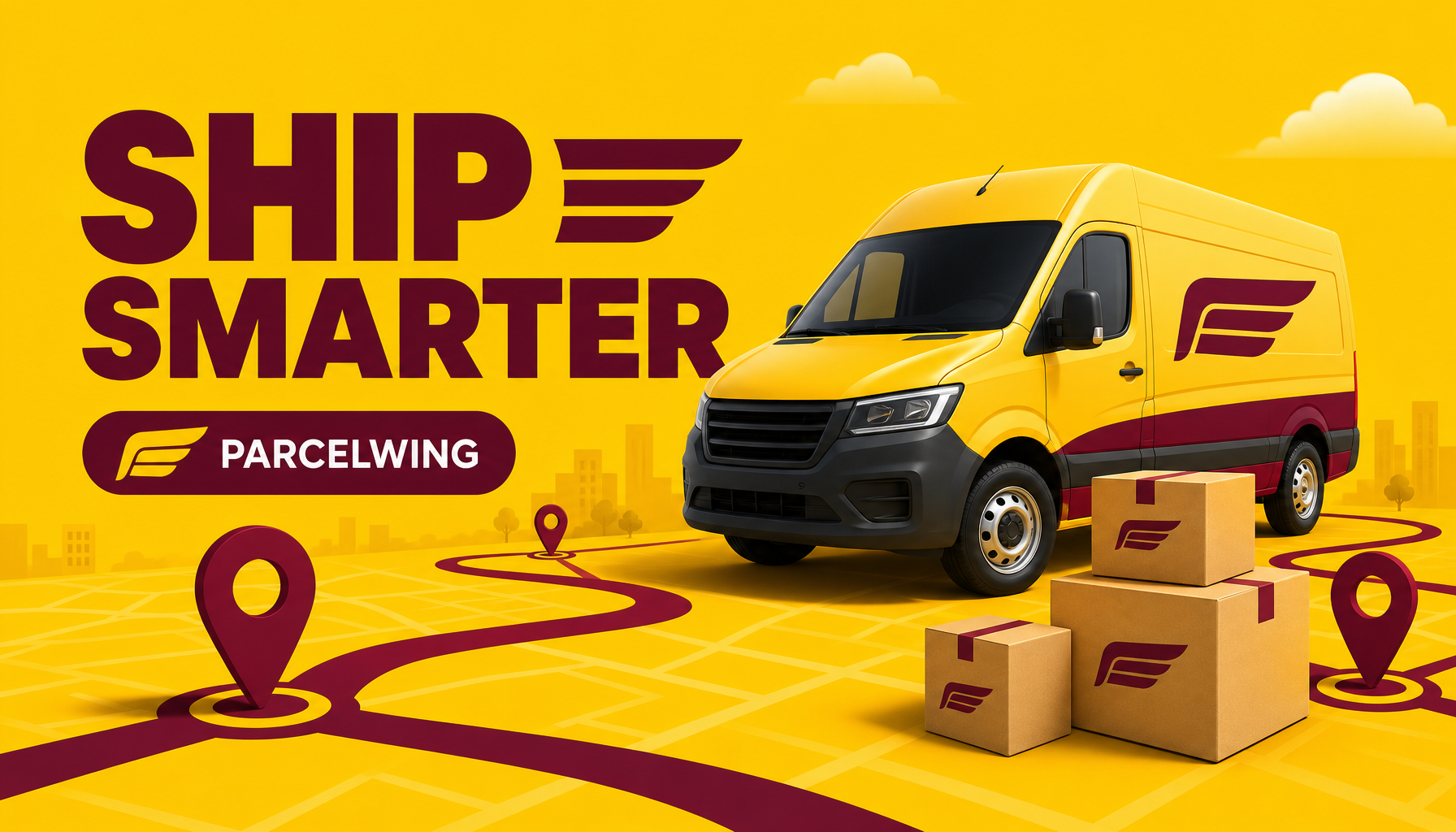
Generated in ImageLayer with General mode, GPT Image 2, X / Twitter (16:9), and the exact prompt below.
Exact ImageLayer setup
- Mode: Image
- Content type: General
- Platform preset: X / Twitter (16:9)
- Model: GPT Image 2
- Apply brand guidelines: Off
LinkedIn-style logistics illustration for fictional parcel company ParcelWing. 16:9. Sunny yellow background with deep burgundy route lines, clean delivery van, parcels, map pins. Large headline reads exactly "SHIP SMARTER". Small badge reads exactly "PARCELWING". Friendly corporate illustration, crisp vector-meets-3D, no real DHL logos, no extra words, no watermark.Why this works
The prompt keeps the headline short. That matters. A previous test with the longer headline DELIVERY WITHOUT GUESSWORK produced a strong composition but misspelled the long word. GPT Image 2 is much better at text than older image models, but campaign headlines still need review. For production, keep in-image headlines short and let the caption or landing page carry the longer explanation.
The prompt also separates category signals from brand safety:
- category signals: van, parcels, route line, map pins, yellow logistics palette
- brand safety: fictional company, no real DHL logos, no extra words
That is the pattern logistics companies should reuse. Borrow the operational language of the category, not another company’s mark.
Example 2: Returns Explainer
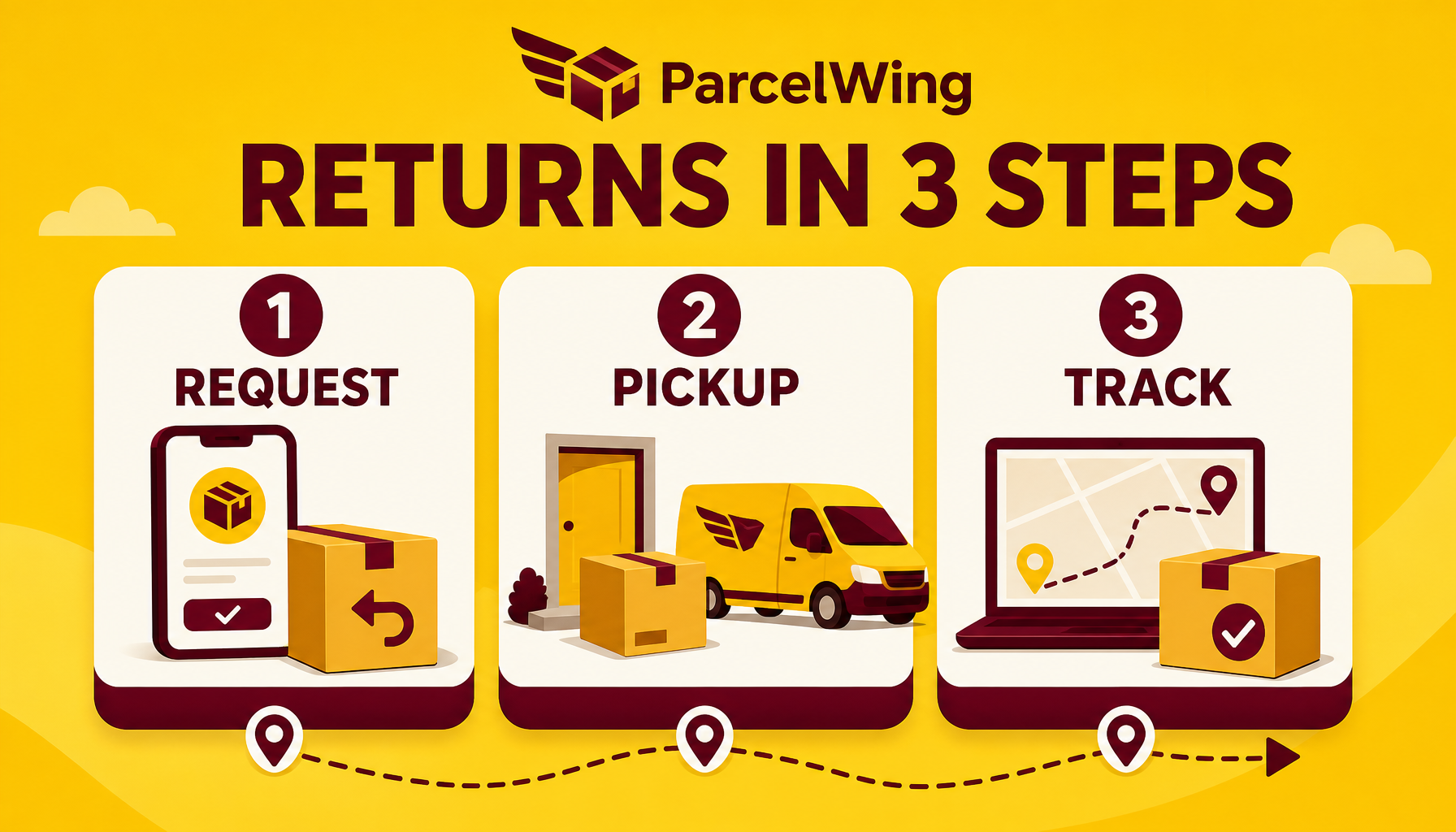
Generated in ImageLayer with General mode, GPT Image 2, X / Twitter (16:9), and the exact prompt below.
Exact ImageLayer setup
- Mode: Image
- Content type: General
- Platform preset: X / Twitter (16:9)
- Model: GPT Image 2
- Apply brand guidelines: Off
Clean 16:9 infographic for fictional logistics company ParcelWing. Title reads exactly "RETURNS IN 3 STEPS". Three numbered cards: "1 REQUEST", "2 PICKUP", "3 TRACK". Sunny yellow and deep burgundy palette, parcel icons, route line, simple dashboard spacing, readable sans-serif text. No real DHL logos, no extra words, no watermark.How a logistics team can reuse it
Swap the topic and three cards:
Clean 16:9 infographic for fictional logistics company [BRAND]. Title reads exactly "[TITLE]". Three numbered cards: "1 [STEP]", "2 [STEP]", "3 [STEP]". [PALETTE] palette, parcel icons, route line, simple dashboard spacing, readable sans-serif text. No real competitor logos, no extra words, no watermark.Good logistics variations:
DELIVERY IN 3 STEPS:1 BOOK,2 ROUTE,3 ARRIVETRACK EVERY ORDER:1 SCAN,2 UPDATE,3 CONFIRMPICKUP MADE SIMPLE:1 SCHEDULE,2 HANDOFF,3 TRACK
Keep each label short. These are social graphics, not policy documents.
Where this fits in ImageLayer
Start in General for campaign concepts and education cards. Once a logistics customer repeats the same visual format, turn it into a Content Type Template with fields like:
- Brand name
- Headline
- Step labels
- Palette
- Avoided competitor marks
Use Platform Presets to adapt the same idea for LinkedIn, X, email headers, and customer update pages.
Use Brand Guidelines only after the creative structure works. First prove the format; then lock the palette, illustration style, and recurring routing motif.
The takeaway
For logistics companies, GPT Image 2 is strongest when the prompt is operational:
- short headline
- exact step labels
- concrete logistics objects
- strong brand color constraints
- explicit avoidance of real competitor logos
That combination turns “AI illustration” into reusable shipping, tracking, and returns content.
Keep exploring
- GPT Image 2 Playbook - The broader model workflow and example library.
- Infographics and UI Mockups with GPT Image 2 - More structured visual patterns.
- Content Type Templates - How to turn this into a repeatable widget flow.